Just launched on the App Store
The right time zone, right when you need it.
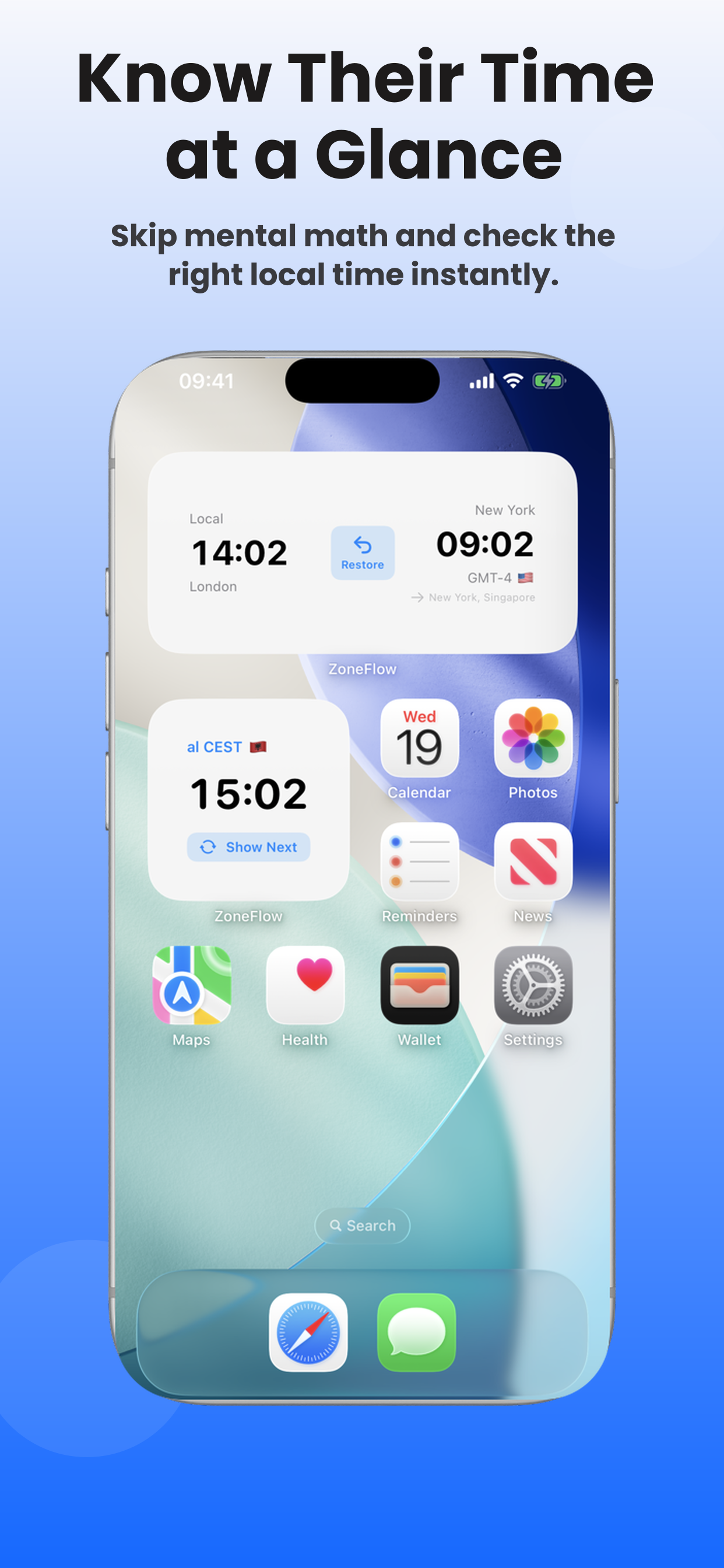
Stop converting time zones in your head. ZoneFlow is an iPhone world clock widget that automatically shows the right time zone at the right time of day — set it once, it just works.

Free on iOS · No account needed
Your day doesn't have one important time zone.
It has several, at different times. World clock apps show you a wall of clocks and leave the hard part to you — figuring out which one matters right now.
How it works
Set it once. That's the whole trick.
1.Tell it what matters
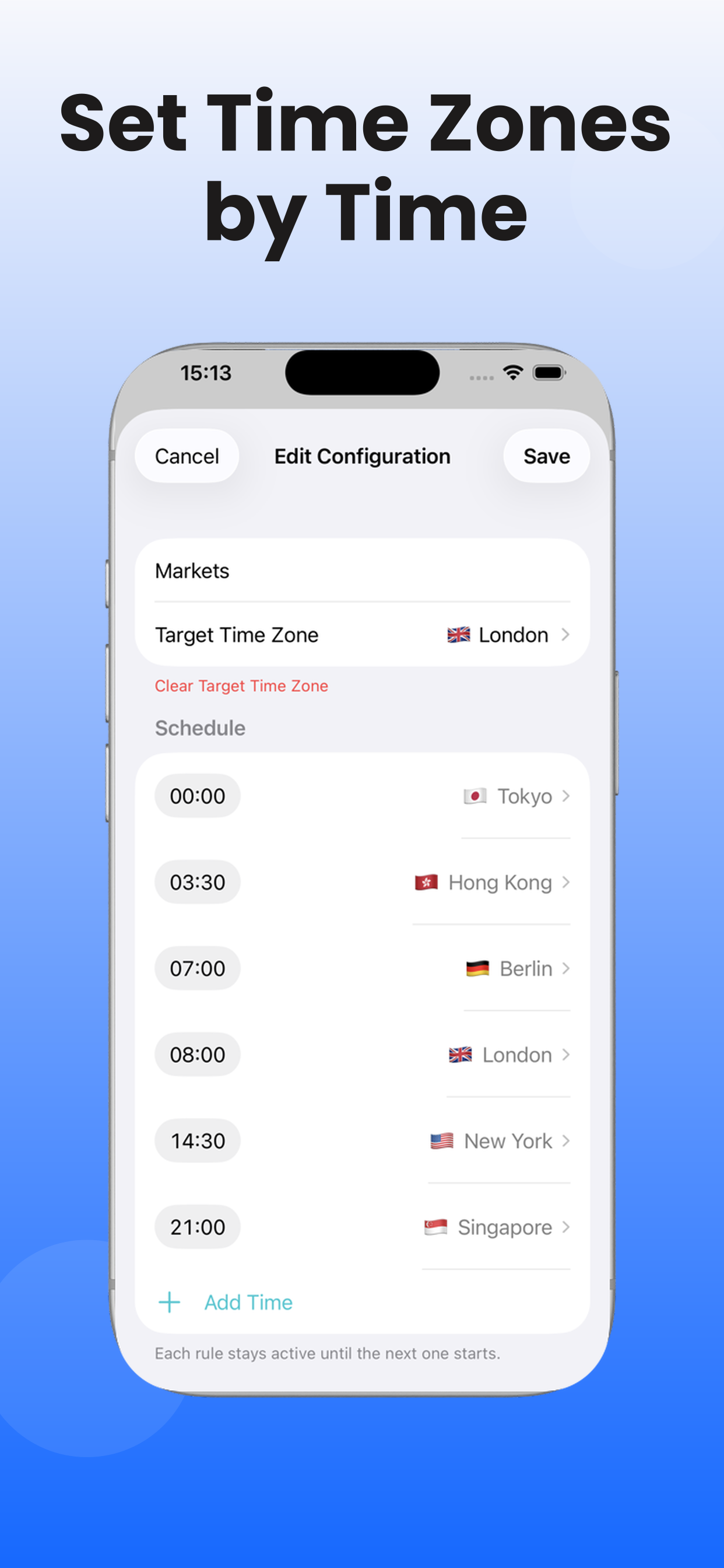
Pick your time zones and when you care about them. London in the morning, Tokyo in the evening.
2.It keeps up with your day
The widget switches automatically as the day goes on. Nothing to open, nothing to tap.
3.Glance, and know
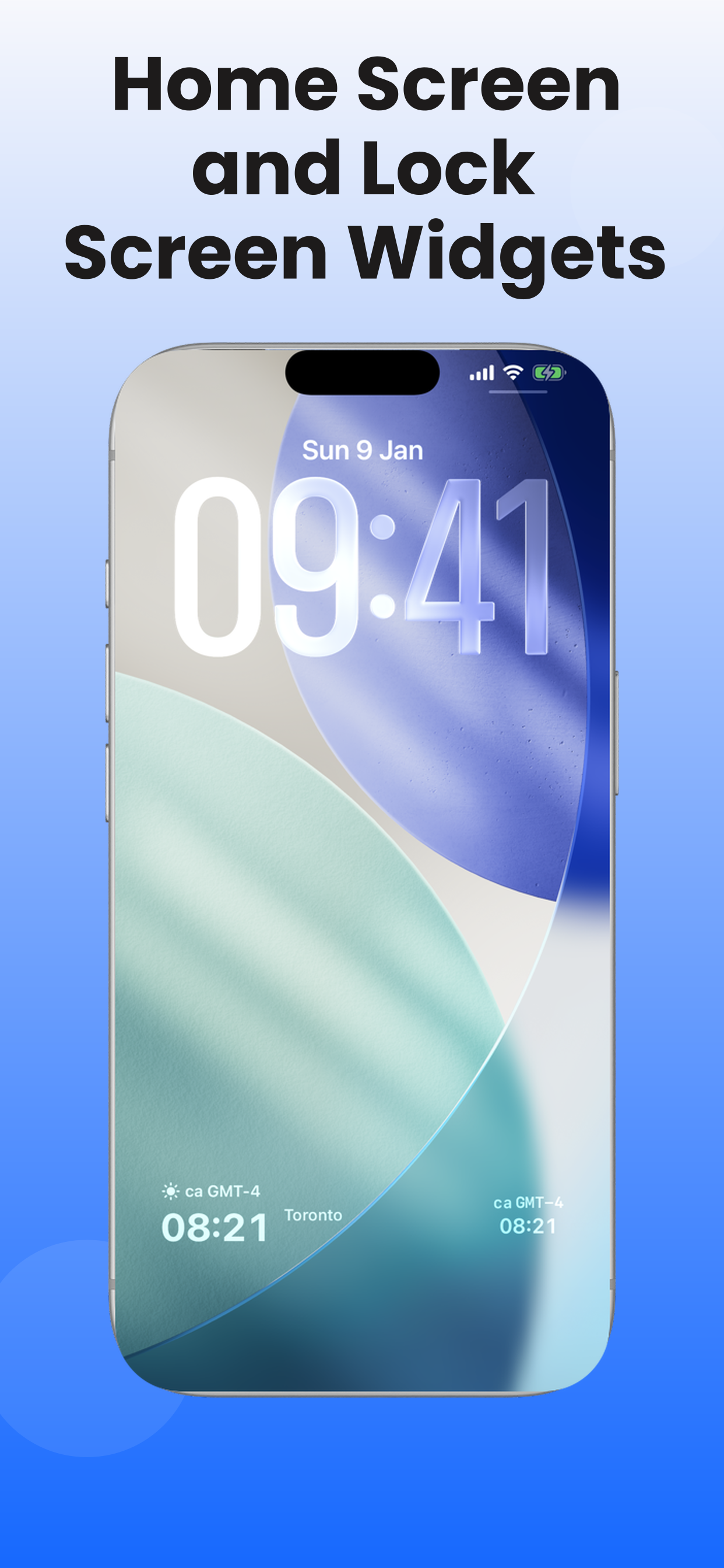
Home Screen or Lock Screen — the right time is just there.
Who it's for
For the people your day revolves around.
Family & friends far away
Know when it's a good time to call Mom.
Without opening a converter, without counting hours on your fingers. When someone you love lives an ocean away, ZoneFlow quietly keeps their time in view — so staying close takes no effort at all.
Remote workers & distributed teams
Your teammate's morning, at a glance.
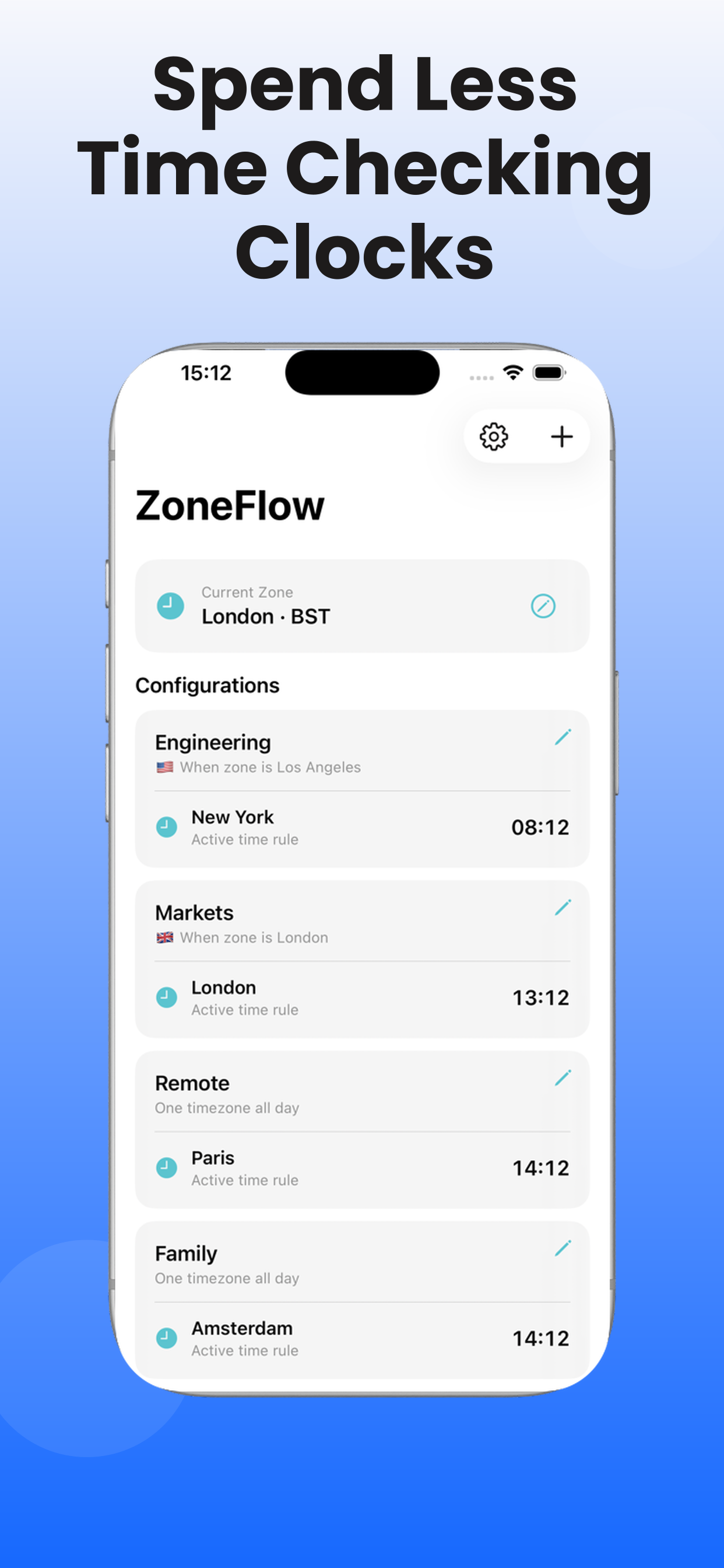
Standup in Berlin, review in New York, a question from Singapore. ZoneFlow shows the time that matters for the part of the day you're in — no matter where your team is.
Frequent travelers
It adapts as you move.
Land, look at your Lock Screen, and know. Local time, home time, the office back east — the widget follows your schedule, so you're never left wondering which clock is which.
Not another world clock.
Most clock apps show more — more clocks, more cities, more data. ZoneFlow shows less: the one time that matters right now.
Less a clock app, more a quiet assistant.
FAQ
Fair questions.
Isn't this just a world clock app?
No — it doesn't show every city at once. ZoneFlow is a schedule-based iPhone widget that shows the one time zone you need, then switches automatically as the day goes on.
How is ZoneFlow different from the iOS World Clock?
Apple's World Clock lists multiple cities and leaves you to pick which one matters. ZoneFlow's Home Screen and Lock Screen widgets change with your schedule, so the right time is already on screen.
Is the free version actually usable?
Yes. Unlimited time zone changes within your schedule and a full widget — not a stripped-down trial. ZoneFlow Pro adds extra timezone schedules and widgets.
Does it work on the Lock Screen?
Yes. ZoneFlow has widgets for both the iPhone Home Screen and Lock Screen, so you can glance at the right time without unlocking or opening an app.
Can I use it to know when to call family abroad?
That's one of the main uses. Set their time zone for the hours you usually check in, and the widget keeps their local time in view so you know when it's a good time to call.
Do I need an account? What iPhone do I need?
No account. ZoneFlow is free to download on iPhone running iOS 17 or later.
A note from the maker
I built ZoneFlow out of a small, persistent frustration: I cared about different time zones at different times of day, and I was tired of juggling them in my head. Mornings meant one city, evenings another — and every world clock app just showed me everything, all the time.
So I made something that solves one problem well. You tell it your rhythm once, and it quietly keeps up. I hope it makes your far-away people feel a little closer.
— Benji, maker of ZoneFlow
One glance. The right time. Always.
Free on iOS 17 or later